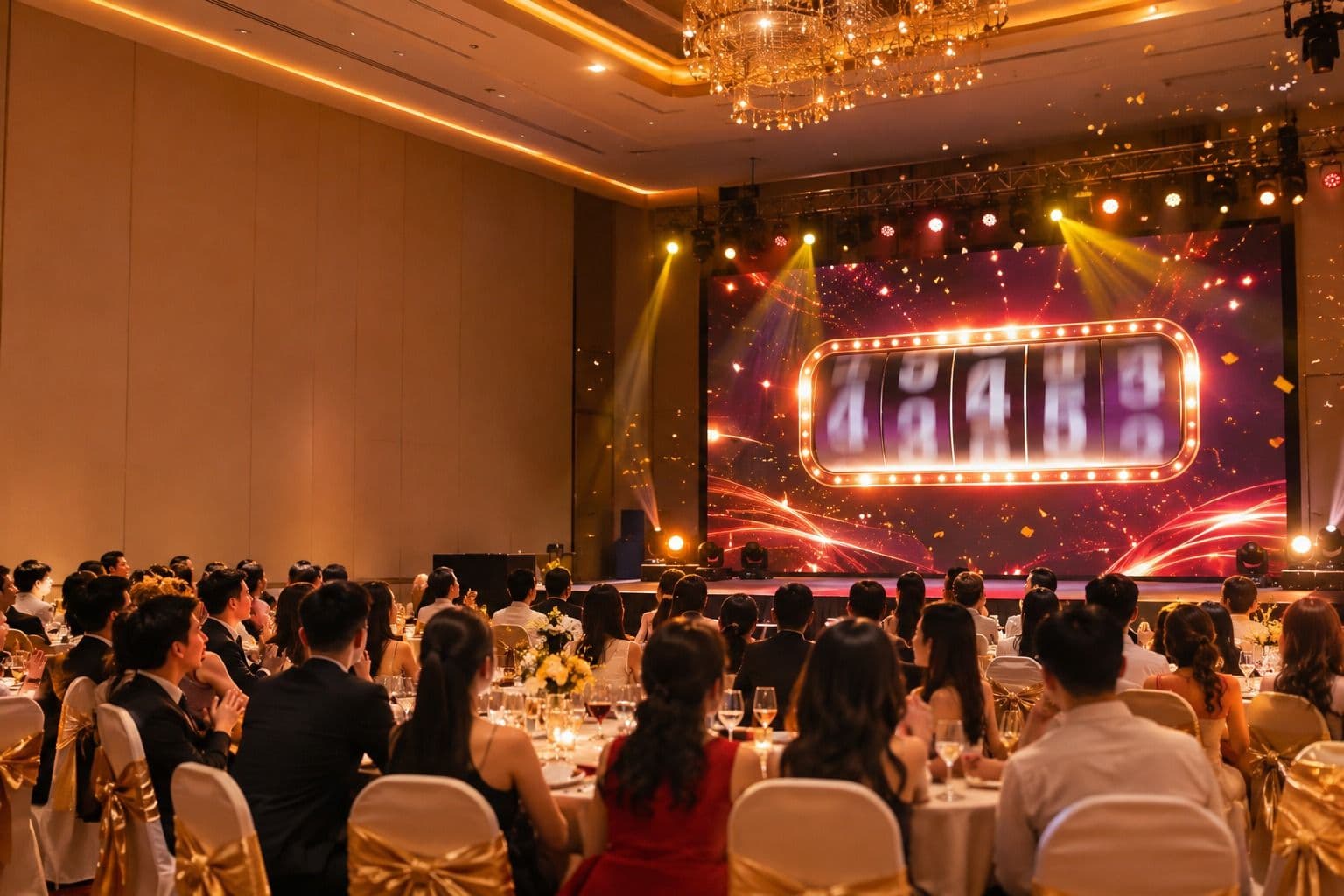

A lucky draw is often the most anticipated moment of a company party, and the one most likely to cause complaints when something goes wrong: a name nobody recognises, the same person winning twice, a winner who already went home, a list that does not match on the day. Fairness is less about the random algorithm and more about preparation and operation.
This guide walks through how HR teams and event agencies can run a lucky draw that the audience trusts, from planning to the paperwork after the event.
1. Decide the prize structure first
Write the prize list before you touch any software:
- Prize tiers and quantities: for example 40 consolation prizes, 10 third prizes, 5 second prizes, 2 first prizes and 1 grand prize.
- Winners per round: small prizes in large quantities are drawn several at a time (4 to 10 per round) so the programme keeps moving; big prizes are drawn one at a time to build suspense.
- Order: start with consolation prizes and finish with the grand prize, so guests stay until the end.
- Eligibility: is every employee eligible for every prize, or are some prizes reserved for certain departments, branches or seniority levels?
Publish a short set of rules to employees in advance: who is eligible, how many prizes, that each person can win only once, and what happens if a winner is absent.
2. Prepare a clean participant list
Most draw-day problems start in the spreadsheet.
- Use one row per person with a unique ID (employee ID or ticket number), full name and department or branch.
- Remove duplicates and check names with special characters or accents.
- Decide whether to draw from everyone on the list or only from people who checked in at the venue. A QR check-in at the entrance is the simplest way to avoid giving a prize to someone who is not there.
- Freeze the list at an agreed time and keep a copy of the exact file you imported.
3. Configure the draw
In your lucky draw software:
- Create each prize with its quantity and number of winners per round.
- Turn on automatic removal of winners, so nobody can win twice across prizes.
- Set group eligibility for prizes reserved for a department or branch.
- Choose what appears on screen for each winner: ID, name, department. On an LED screen, fewer fields in a larger font read better from the back of the hall.
- Apply the event branding (logo, colours, background, prize images) so the draw looks like part of the show.
4. Separate the stage screen from the controls
The audience should only ever see the draw, never the settings. Use a setup where:
- The LED or projector shows the draw screen in full screen.
- The operator starts, stops and confirms each round from a control page on a separate laptop or phone.
- The MC or a guest of honour can trigger the draw with a button on stage, while the technician backstage keeps control of the sequence.
- Only one draw screen is open for the event, so the same prize is never drawn on two machines.
5. Rehearse on the real equipment
At least one day before the event, on the actual computer and screen:
- Import the real list and run every prize once in test mode.
- Check readability of names from the back of the room.
- Unplug the network to see what happens if Wi-Fi drops; prepare an offline-capable backup (for example a desktop app) and a second machine with the list loaded.
- Time the full draw segment and agree the cues with the MC.
6. Handle absent winners transparently
Decide the rule in advance and announce it: for example, a winner must come to the stage within one minute. If not:
- Cancel that winner from the control page.
- Run a supplementary round to draw a replacement, so the prize quantity stays complete.
- Keep the cancelled names in the record; do not delete them.
7. Reconcile after the event
Export the full results with the time of each round. HR or administration uses this file to hand over prizes, collect signatures and archive the record. If anyone questions a result later, the export shows exactly who won what, in which round, and who was cancelled and replaced.
Do you need to register the draw as a promotion?
In Vietnam, a draw that is purely internal, rewarding employees, is generally not a commercial promotion. If the draw is used to promote the sale of goods or services (for example, inviting customers to take part), you need to determine the applicable promotion type and procedures under current regulations. Check with your legal team for your specific case.
Checklist
- Prize structure and rules published to employees
- Clean list with unique IDs, frozen and archived
- Prizes configured, automatic winner removal on, group eligibility set
- Stage screen separate from control page; one draw screen only
- Rehearsal on real equipment, offline backup ready
- Absent-winner rule announced; supplementary rounds tested
- Results exported for prize handover
How Luck4You helps
Luck4You is lucky draw software for corporate events that covers each step above: Excel import, group eligibility, automatic removal of winners, a draw screen separate from the control page, remote control from a phone, cancelling absent winners with supplementary rounds, result export, and a desktop app for offline draws. See how it ran at MB Bank's BeeFest 32, or compare tools in our year-end party lucky draw software comparison.