
Annual dinner lucky draw software
Make your company’s annual dinner lucky draw a highlight of the evening. Import your employee list from Excel, draw multiple winners at once and reveal prizes on the big screen with your event branding.
- Draw dozens of consolation prize winners in a single round
- Draw by employee ID, names in Latin, Chinese or Korean script
- Try it free with up to 100 participants
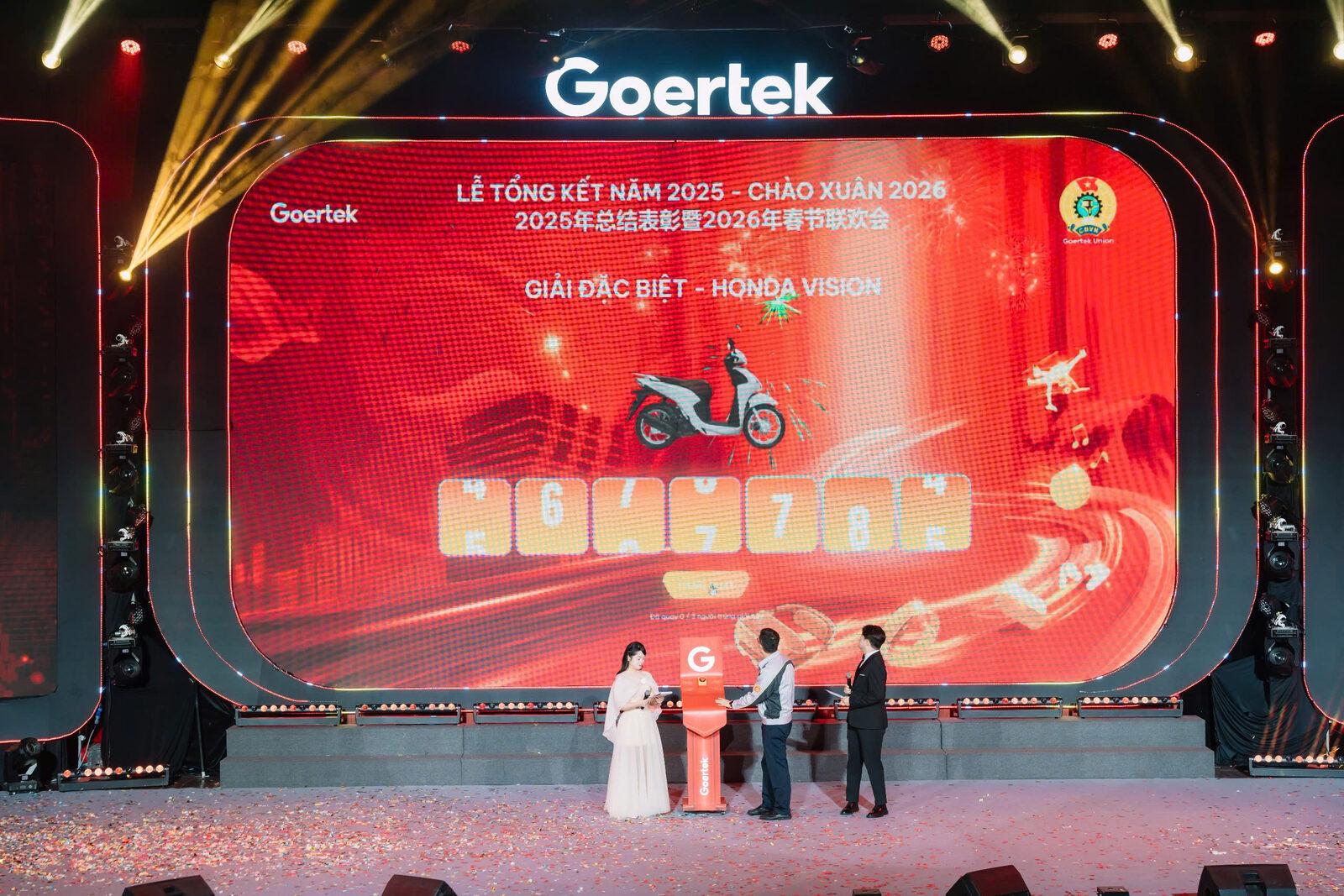
Used at events of MB, Hòa Phát, J&T Express, Herbalife, Goertek, MIC
How to run the annual dinner lucky draw
An annual dinner runs three to four hours. Spread the draw across the evening so guests stay until the end.
- 1
Prepare the staff list
Export employee ID, name and department from your HR system to Excel. Check for duplicate IDs before importing.
- 2
Set up prizes and the draw screen
Add each prize tier and how many winners per round. Add your logo, colours and event artwork, then rehearse on the laptop that will drive the stage screen.
- 3
Open with consolation prizes
Right after the opening speech, draw the small prizes in a few multi-winner rounds to get the evening off to a lively start.
- 4
Build up between performances
Draw one prize tier between acts. Winners collect their prize while the next act gets ready.
- 5
Finish with the grand prize
Draw the top prizes one winner at a time, then export the full winner list to Excel for HR and finance.
What a company annual dinner needs from the draw
No repeat winners
Each participant can win once per event by default. Previous winners drop out of later rounds without anyone editing the list by hand.
Department-specific prize draws
Limit a prize to long-serving staff or to one department or branch: tag a group per person when importing, then choose which groups can win each prize.
Group draw guideDraw only from checked-in guests
With QR check-in turned on, only participants who checked in at the door enter the draw, so the MC is less likely to call someone who has not arrived. QR check-in is included in Premium or available per event.
Check-in app guideKeep the draw running offline
The desktop app for Windows 10/11 and Macs with Apple silicon runs the draw without internet and syncs results when you are back online. Open the event on the laptop before the dinner. Included from the Professional plan; phone remote control needs internet.
See the offline appA real year-end gala with Luck4You
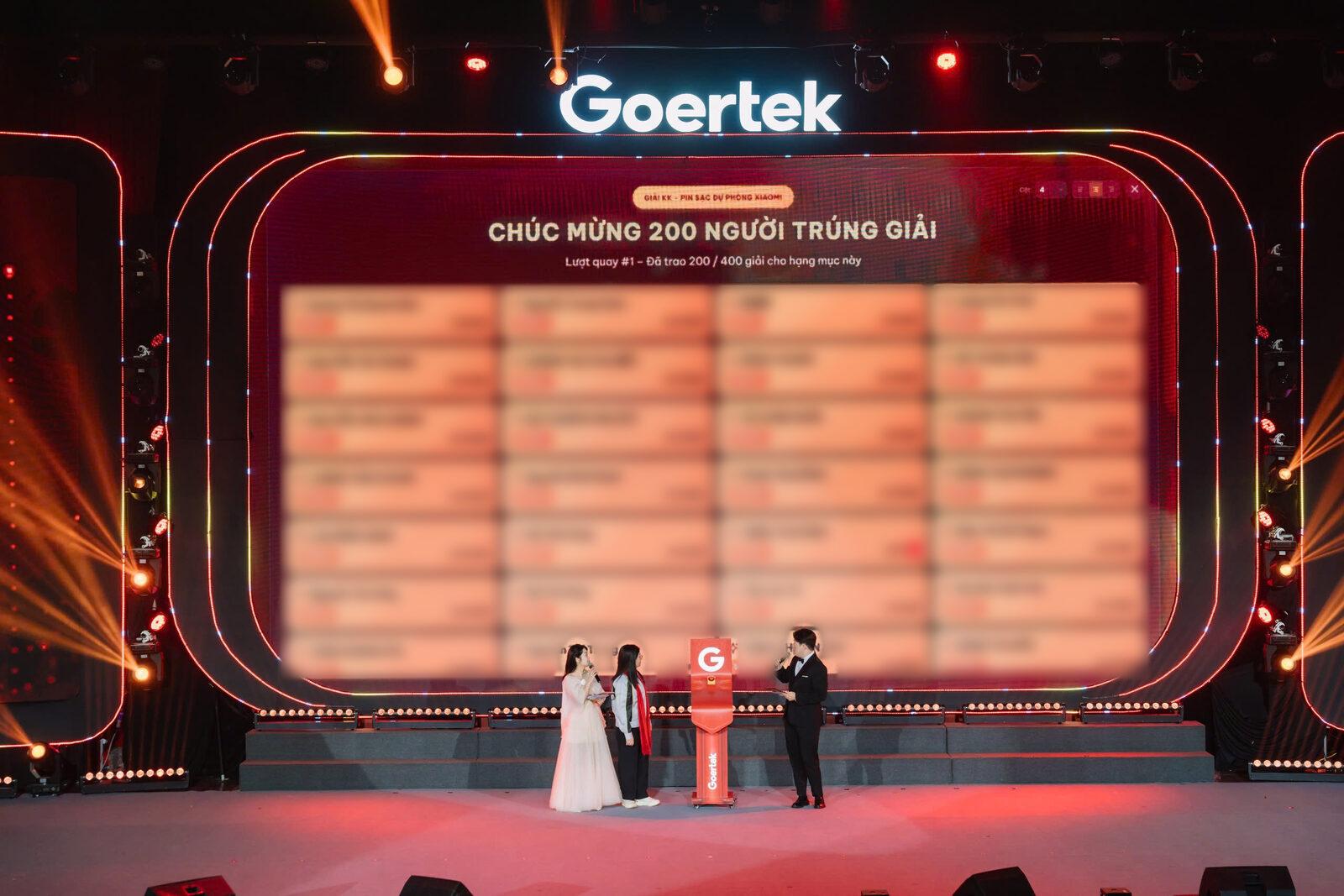
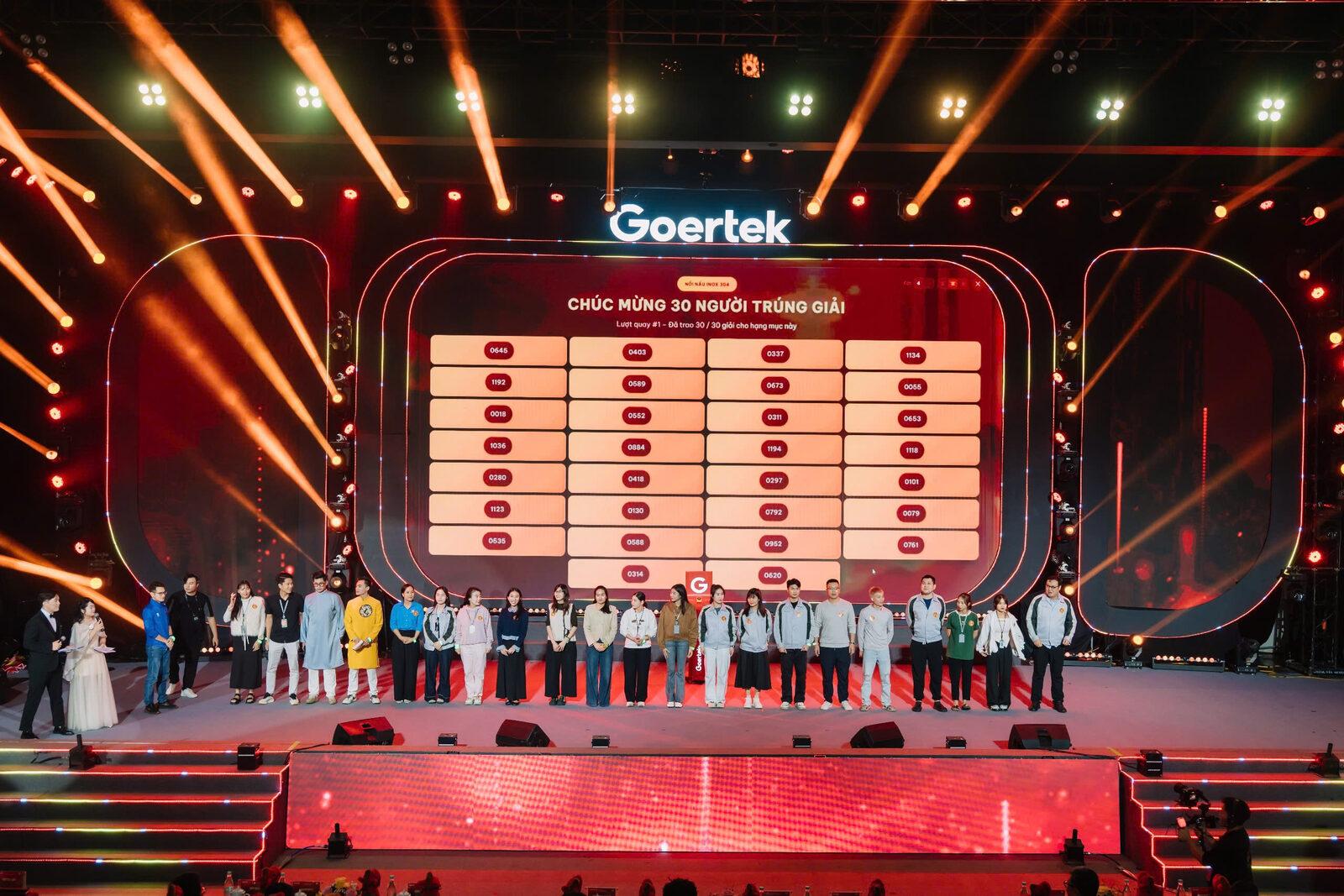

Sample prize plan for a 300-guest annual dinner
For reference only. Adjust to your budget and run sheet.
| When | Prize tier | How to draw |
|---|---|---|
| After the opening | Consolation (60 prizes) | 3 rounds of 20 winners |
| Between acts | Third and second prizes | 5 winners, then 3 winners |
| Before the finale | First prize | One winner at a time |
| Finale | Grand prize | Digit-by-digit reveal |
Pricing
- Basic: free, up to 100 participants, 1 event.
- Professional: 490,000 VND per event, up to 500 participants, offline desktop app and phone remote control.
- Premium: 990,000 VND per month, up to 1,000 participants, 2 events, QR check-in included.
- Outside Vietnam: pay with PayPal or a Visa/Mastercard, no PayPal account needed.
Frequently asked questions
Can we use Luck4You for an annual dinner outside Vietnam?
Yes. The draw runs in the browser or in the desktop app with an English interface. Plans are priced in VND; customers outside Vietnam pay with PayPal or a Visa/Mastercard, with support by email and the chat on our website.
Can one person win more than one prize?
By default no: each person wins once per event and previous winners are excluded from later rounds.
How do we draw many consolation prizes quickly?
Set how many winners each round draws, for example 20. Sixty consolation prizes then take three rounds.
What if the hotel Wi-Fi drops?
Use the desktop app (Professional plan and above). Open the event on the laptop before the dinner starts; the draw keeps running offline and syncs later.
Can we try it first?
Yes. The free Basic plan covers up to 100 participants, enough to rehearse with a sample of your list.
Rehearse your annual dinner draw today
Import a sample of your staff list, set up the prizes and run a test draw on the screen you will use on the night.